Connect Your Store
Connect your WooCommerce store to start receiving orders in WinnyPlus Print.
 Automatic online order printing
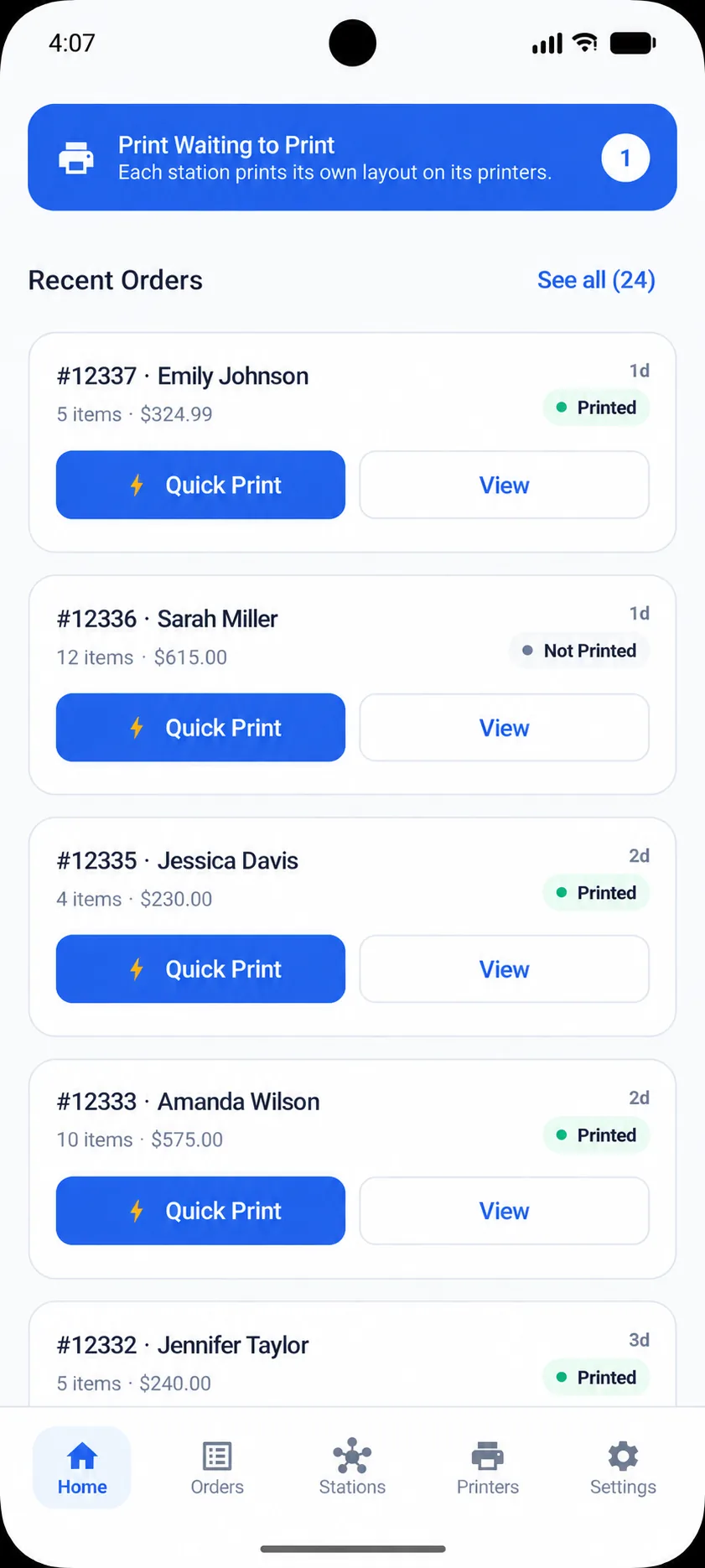
WinnyPlus Print automatically routes incoming online orders to the right printer or station, helping businesses keep order handling fast, organized, and reliable.
Download the app
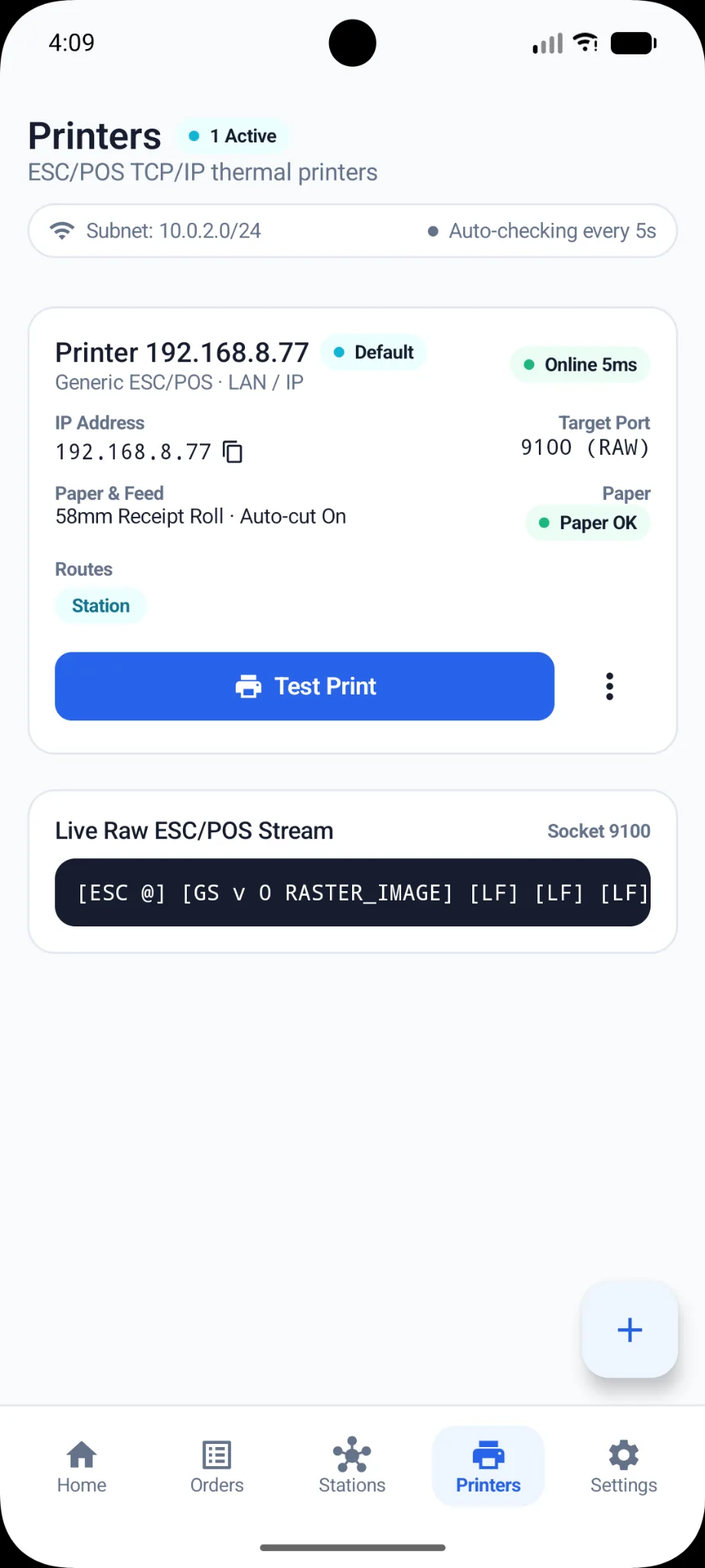
Printers
Connected
Online order → right station
Connect your order source once, define your stations, and every new online order is routed and printed where it is needed — no manual handling.
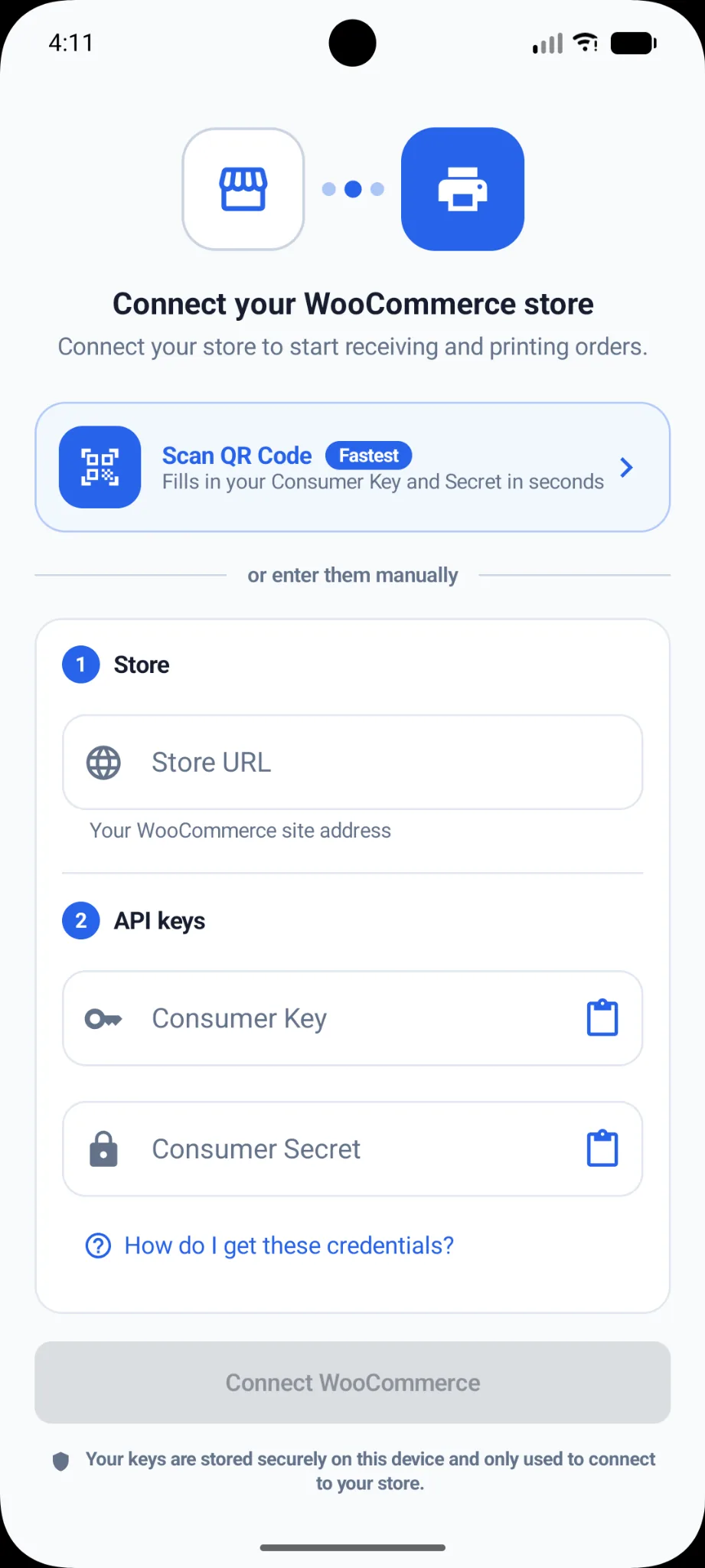
Connect your WooCommerce store to start receiving orders in WinnyPlus Print.
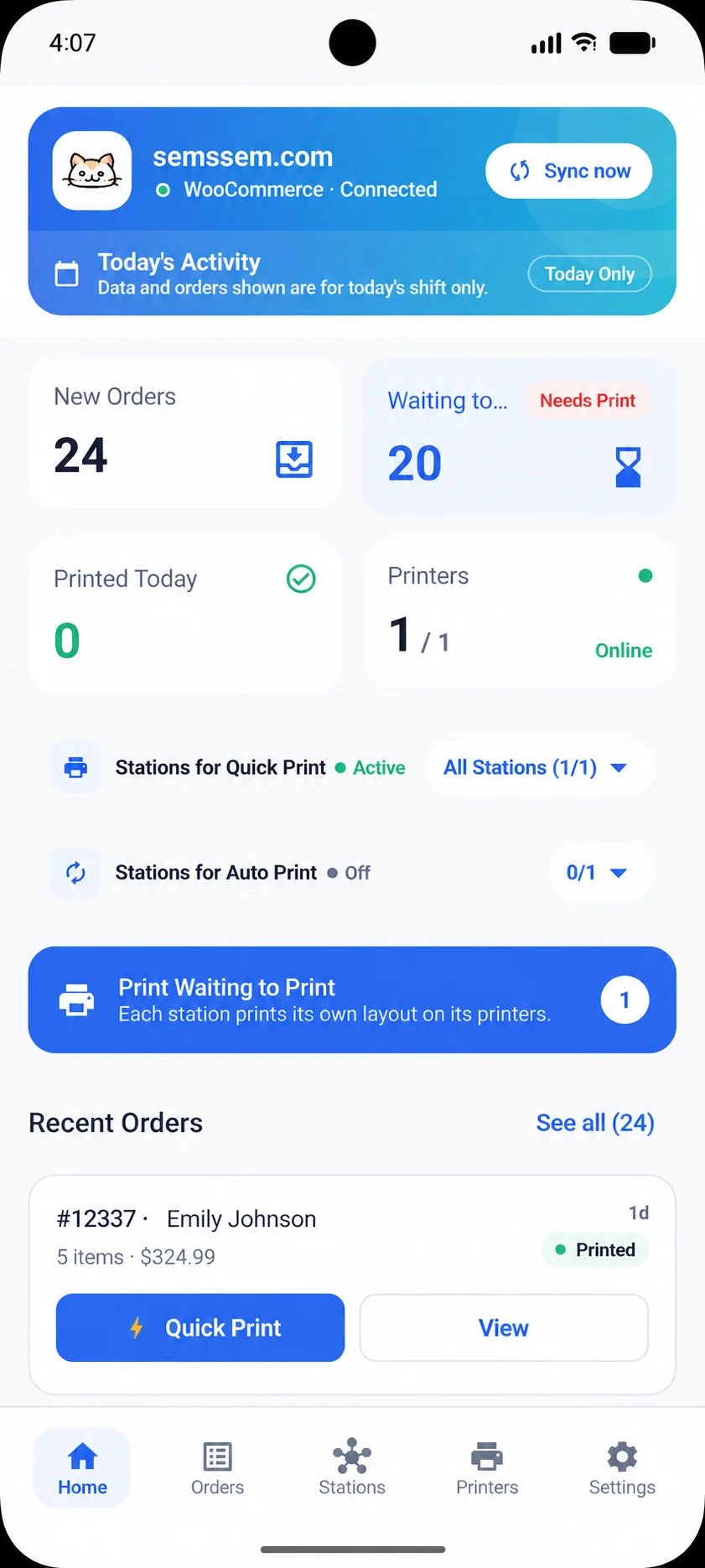
See incoming orders and identify which ones are waiting to be printed.
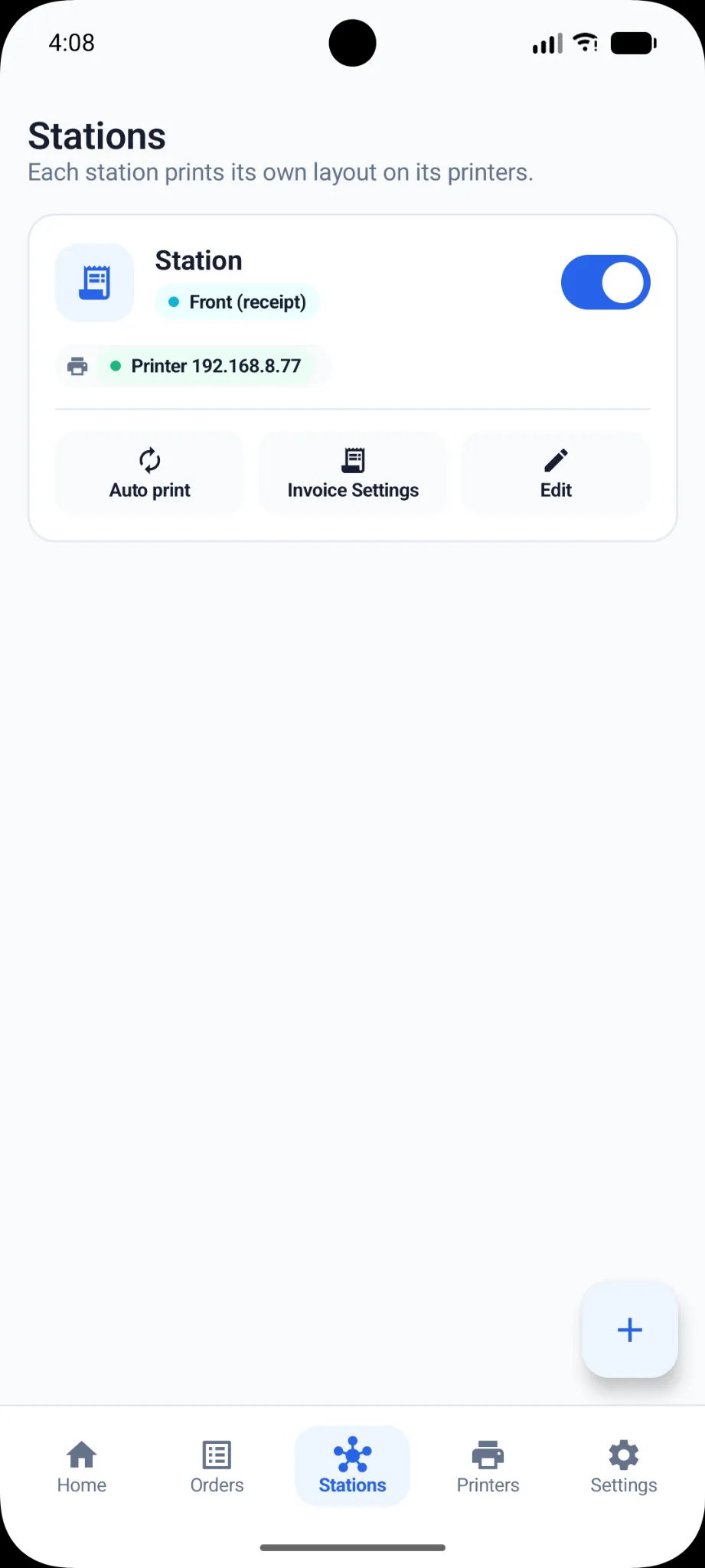
Assign printers to stations and organize printing around the way your team works.
Route orders to the right printer based on your station setup and reduce manual handling.
WinnyPlus Print is designed for restaurants, retail stores, and online businesses that receive orders online and want them printed automatically at the right station, with less manual handling.
Connect WooCommerce or your WinnyPlus account to your printing stations and send new orders to the right printer.
Built for real operations
Connect your order source, route each order to the right station, and keep printing reliable — all from one workspace.
Receive orders directly from WooCommerce or WinnyPlus.
Connect and manage several thermal printers from one place.
Route orders, tickets, or items to the station that needs them.
Print product barcodes alongside receipts and order documents.
Monitor printer connectivity and print progress.
Test printers and retry failed print jobs without losing the order.
Built for real operations
Use dedicated stations to organize receipts, preparation slips, shipping documents, or product labels—according to your setup.
Receipts and payment-ready order summaries.
Clear item tickets for kitchen or fulfillment teams.
Packing information and shipping labels.
Product labels ready for scanning and inventory.
WinnyPlus Print automatically prints incoming online orders and routes them to the right printer or station, such as cashier, preparation, shipping, or barcode.
Yes. You can connect WooCommerce and send new orders to your configured printers.
Yes. WinnyPlus accounts are supported as an order source.
Yes. You can connect and manage multiple thermal printers.
Printing stations route receipts, preparation tickets, shipping documents, or product barcodes to the correct printer.
Yes. New orders can be sent automatically to the printer assigned to each station.
Connect your order source, set up your stations, and let WinnyPlus Print route and print every new order automatically.
Download WinnyPlus Print